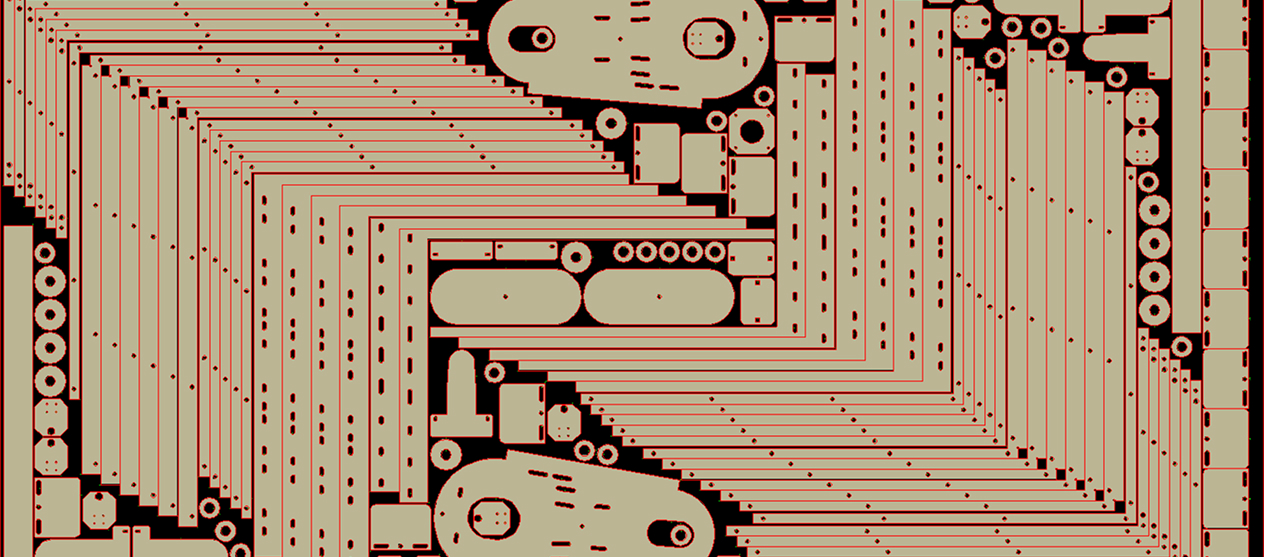
Read The Fabricator’s article featuring PEP’s advanced automation and intelligence!
Read The Fabricator’s article featuring PEP’s advanced automation and intelligence!
PEP’s ONE CLICK Punching Technology is Magic!
The PEP Technology Punch Application Software has been written entirely in-house by our PEP Technology staff. The PEP Software does NOT use any 3rd party applications such as Automatic Nesting Engines, Tooling Engines or Graphic Kernels, etc.
PEP Technology Punch Application is an automated CAM Software solution that automates the programming tasks for Punch and Combination machines. Our superior tooling logic can process complex tool paths, optimize material utilization and streamline your production workflow.

From intelligent punch nesting software to precise punching simulation, PEP Technology empowers manufacturers to achieve efficiency and accuracy in every project.
Streamline your workflow and maximize material use with our powerful capabilities.
The Automatic Importing of Tools from the Master Tool Library can be run in either fully automatic or interactive mode, utilizing an intuitive list of suggested tooling solutions. You can:
Our system provides tools for managing your entire tooling inventory, ensuring the right tool is always used for the job.
Use Step Draw or the Machine Simulator to ensure accuracy before production. Our advanced simulation and reporting tools enable:
Punch Application integrates effortlessly into your existing manufacturing ecosystem. The user can setup a master tool library for a wide range of punch machine brands, including Amada, Strippit, Trumpf, Whitney and many more. We also offer integration capabilities with various ERP/MRP systems to further streamline your data flow and production planning.
Even with its powerful capabilities, the PEP Punch Application is designed with the user in mind. Its intuitive interface and logical workflow minimize the learning curve for your team. Automated features handle repetitive tasks, freeing up time for optimization.
A Master Tool library for each unique punch machine (Amada, Strippit, Trumpf, Whitney, etc.) is setup by the user “one time”, and should include all tools for available for the machine. The master tool library contains input fields for entering the tool description and other pertinent information about each tool such as Shape, Size, Nibble percentage, Clamp Safety Zones, Type, Tool Set, Station number.
Within the Master Tool Library the user has the option to identify a tool as being part of a “group” of tools referred to as a “Tool Set” ( ex. Tool Set 1, 2, 3, etc. ). A tool set might be tools kept in the turret, and or, tools required for a job.
A tool list is typically 1 to 40 tools necessary to tool a job. The tools in the master tool library are copied into the “Tool List” by the Punch Automatic Tooling logic. The user does NOT identify and or copy the tools from the master library, the entire process of selecting the tools and copying them into the Tool List is done automatically.
Punch Application streamlines your sheet metal fabrication process from design to NC code generation. A typical workflow involves:
Easily import 2D or 3D CAD files (DXF, DWG, IGES, STP, PDF, etc.) into the software. Automatic Part Processing ensures seamless conversion, readying your designs for the next steps.
Leverage our Intelligent Automatic Nesting to efficiently arrange parts on the sheet. Advanced algorithms maximize material yield, supporting common line punching and remnant sheet management.
Enter the job name, and the tooling logic pulls tools from the master library, compares them to part geometry, and adds missing tools to the Tool List. When no exact tool can be found in the Master Tool Library, the software prompts the user, displaying tooling solutions. Tooling solutions include undersized, oversized, hits with combinations of rounds and rectangles.
Define and save a progressive punch “Operation” specific to material type, thickness and grade. Punch Plans are defined with a specific Tool Library, by assigning a tool or tools to a specific geometry by size, and are saved to the SQL database. They can be recalled by “Material,” “All Materials” or by a “Tolerance” value. Using a punch plan will:
The Repositioning and Work Zone Software will automatically detect Oversized Nested Sheets and suggest tooling Solutions for various machine size constraints.
The Sequencing Software automatically sequences all Tools by type, shape, classification and individual hits to reduce tool changes and optimize machine productivity.
Don’t let outdated software or inefficient processes hinder your production. PEP Technology CAD/CAM software for CNC punching machines can maximize your material yield, reduce programming time and elevate the precision of your punch machines.
Request a demo to get started.
Do you have specific questions or need more information? Our experts are ready to help.
Contact our sales team today.